The Notification Center keeps you informed about product updates, account guidance, and other information that may need your attention.
In the navigation bar, click the Notifications bell. When you have unread notifications, a number appears on the bell.

The Active tab shows your current notifications. Select the History tab to view notifications that you have dismissed.
Opening the Notification Center marks the notifications shown on the page as seen. If more notifications are available, click Load more.
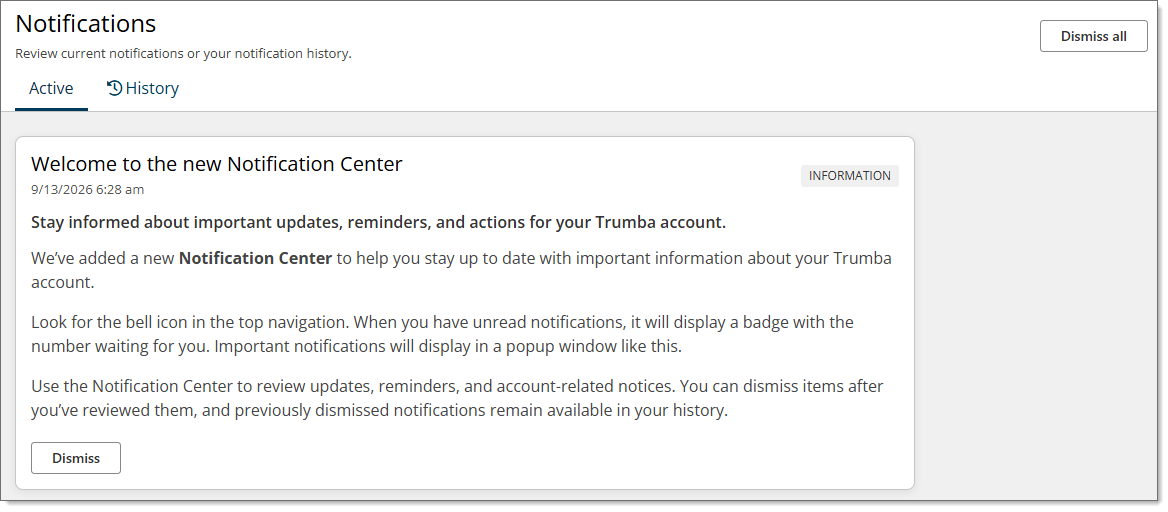
To remove one notification from the Active tab, click Dismiss. To remove all active notifications, click Dismiss all. Dismissed notifications remain available on the History tab.
Note Customer administrators cannot dismiss notifications while impersonating another user.
Some important notifications open in a message window. Click Close to close the window, or click Dismiss to move the notification to your History tab.
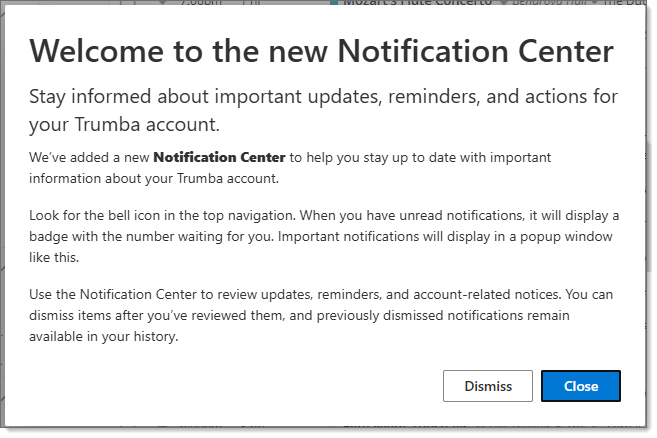
Note If you Close the window, the notification will remain in your Active tab; if you Dismiss it, the notification will be moved to the History tab.