British Columbia, Alberta, and Manitoba are moving to year-round time instead of returning to standard time each fall. Trumba has implemented separate time zones for these provinces and a calendar conversion that keeps eligible events at their original local times while updating how they appear on calendars in other time zones.
The new time zones are Pacific Time (British Columbia), Mountain Time (Alberta), and Central Time (Manitoba). The corresponding US time zones continue to follow their seasonal daylight saving time rules.
For all three provinces, the first difference from the corresponding US time zones begins with the November 1, 2026 fall clock change.
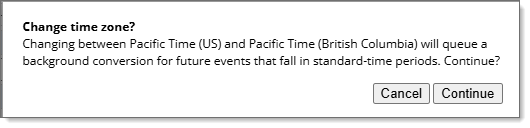
When you change a calendar from a shared US time zone to the applicable provincial time zone, a conversion is performed by the system so that eligible timed events retain their local start times in Trumba. The conversion adjusts their underlying times where the time zone rules differ, which can change how they appear on calendars in other time zones and in exports. Review calendars that contain events in multiple regions before changing their time zone.
Manitoba: Trumba has implemented Central Time (Manitoba). Customers who share events with other calendar applications may want to wait until major software vendors support the new time zone before converting their calendars.
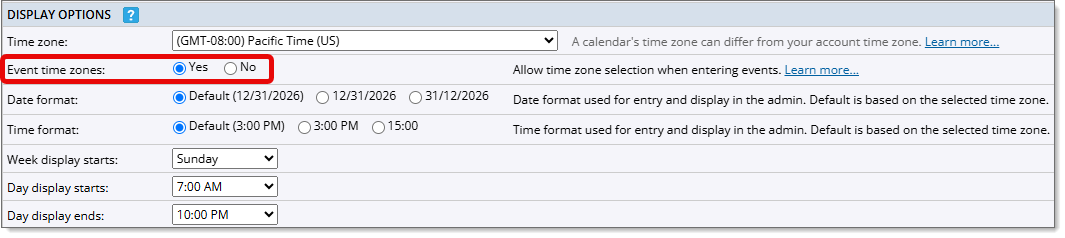
You can change the time zone for your account, a calendar, or an individual event:
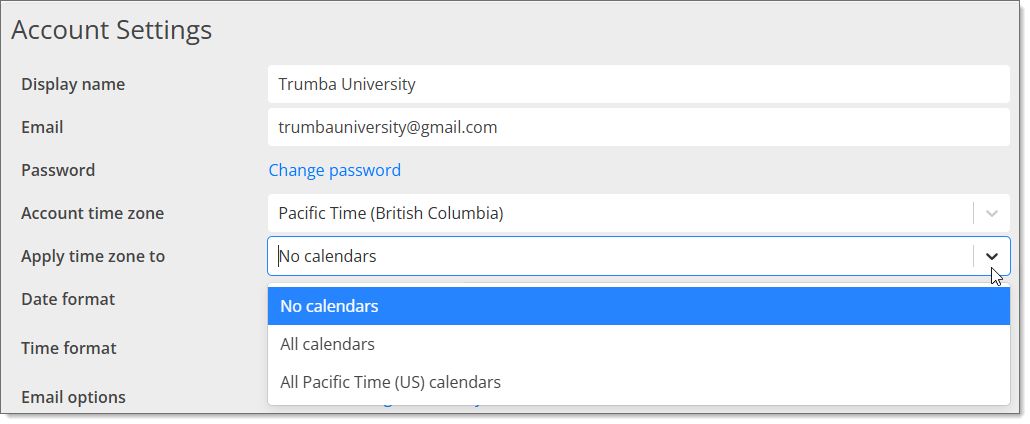
Changing the account time zone on the Account Settings page sets the default time zone for new calendars. You can also choose whether to apply the change to existing calendars. Use this option if you are converting all of your calendars to one of the the new Canadian time zones.
To change the time zone for an account:
Note Do not skip this step. Existing calendars will not be updated unless you make a selection from the drop-down list.
Changing the time zone on a calendar updates the calendar and converts eligible timed events so their local start times remain as entered. Events with their own time zone and all-day events are not converted with the calendar. Use this option if only some of your calendars need to be converted to one of the new Canadian time zones.
To change the time zone for a calendar:
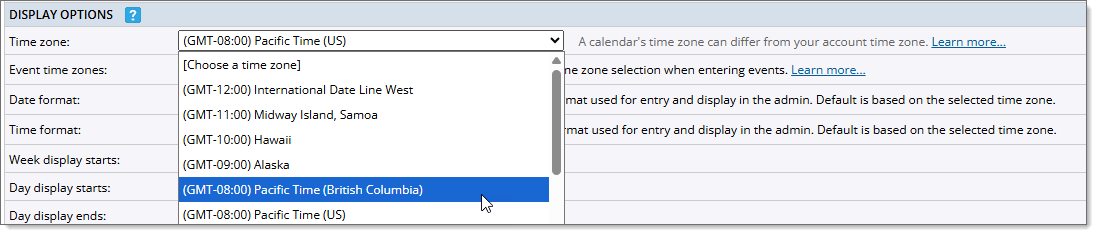
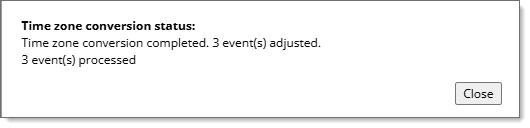
Note Eligible event times displayed in Trumba do not change. For example, an event scheduled at 3:00 pm remains scheduled at 3:00 pm. In periods when provincial and US time zone rules differ, the same event may appear at a different time on a calendar displayed in another time zone or in an export.
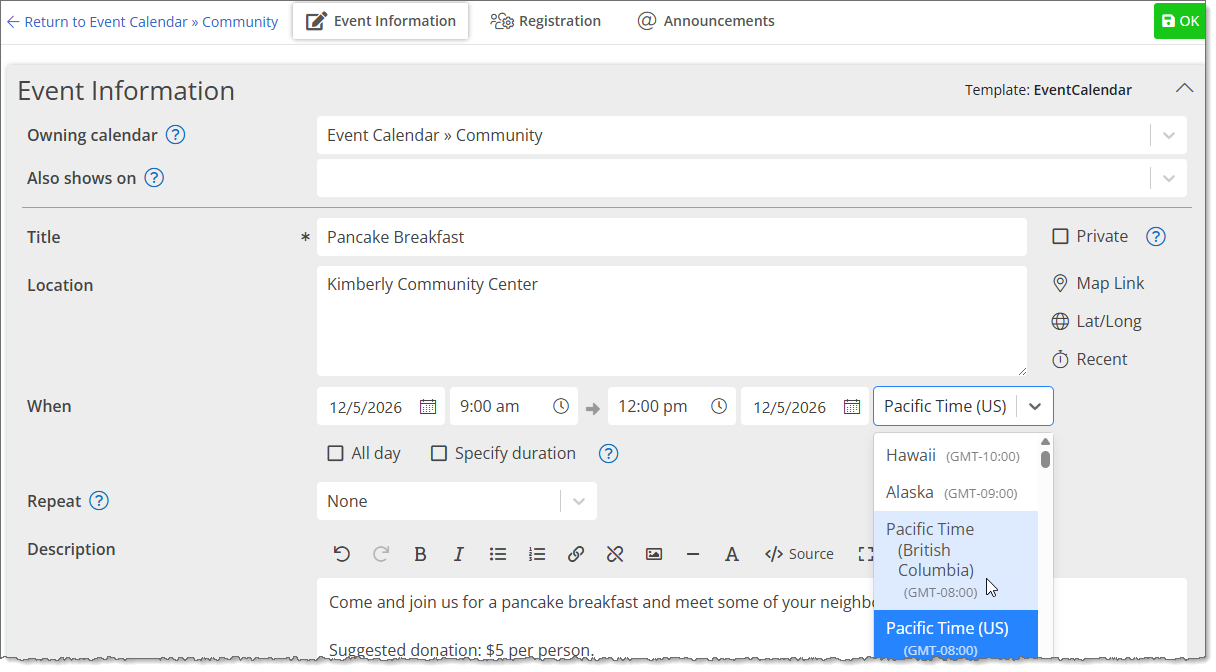
Changing the time zone on an individual event updates the just that event. Use this option if only some of your events need to be converted to one of the new Canadian time zones.
To change the time zone on an individual event: