
This topic describes the process that visitors complete to register for your paid events if you set up a payment gateway through Authorize.Net.
If you use PayPal Express Checkout, see Visitors and the PayPal gateway.
Note The images here are based on a calendar that uses the 3 Columns view for the main calendar spud and open sign-up events. The process is the same for all views; however, the appearance varies slightly for each.
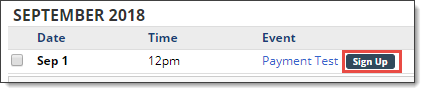
On the main calendar, the visitor finds the event and clicks Sign Up. (On some views, you open the event details to get access to the Sign Up link.)
The credit-card payment process is handled entirely on the Trumba site.
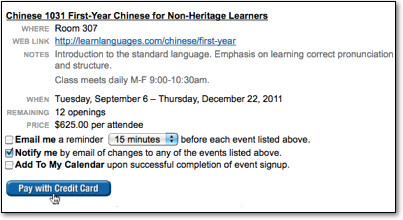
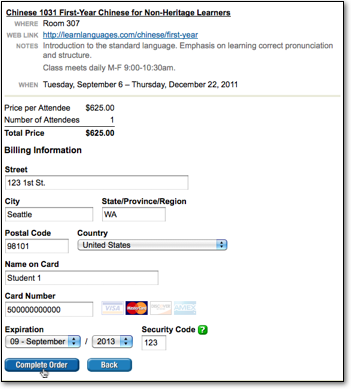
Note The event in the image above accepts all credit card types that Trumba supports. With Authorize.net as the payment gateway,
you can specify which cards to accept.
Learn more: Specify payment gateway credit card types.
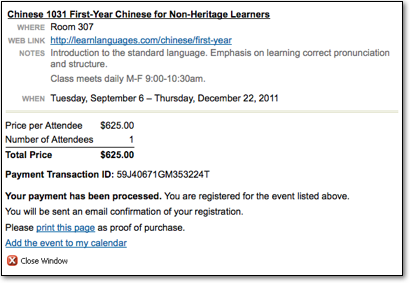
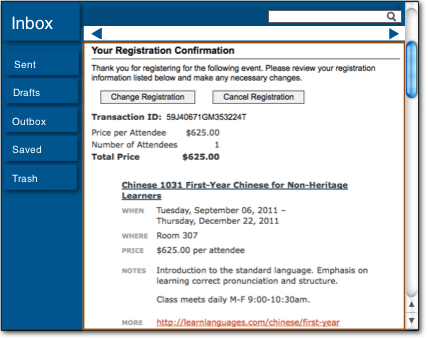
If you enabled auto-refunds on cancel when you set up the event, the confirmation email includes an option to cancel the registration.
