To help organizations manage data retention and reduce the amount of personal registration data stored in Trumba, registration data may be exported on a quarterly basis. When registration data is exported, an export file containing the registration data is created and made available for download for a limited time (normally 30 days). After the download period expires, the registration data is permanently removed from Trumba.
This topic answers the following questions:
The Trumba support team will work with you to set up the registration data retention policy. This process includes defining how many months of data you need to keep active and the calendars to which the policy applies.
After the policy is set up, the process runs quarterly on January 1, April 1, July 1, and October 1.
The calendar publisher and other designated users receive notifications about the registration data retention process:
Note You can also view these notifications in the Notification Center.
Calendar owners and other identified users can view and download registration data export files. Contact Trumba support if you need to designate others who need to access the registration data export files.
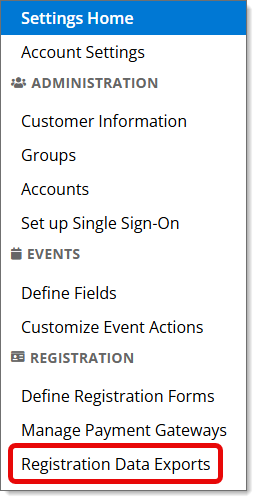

Depending on your registration data retention policy, the download is either a ZIP file containing one export file for each calendar or a CSV file containing registration information for all calendars.
General registration information is still viewable within Trumba, but all names and personal information associated with the registrations have been removed.
The following views and reports are updated when registration data has been exported:
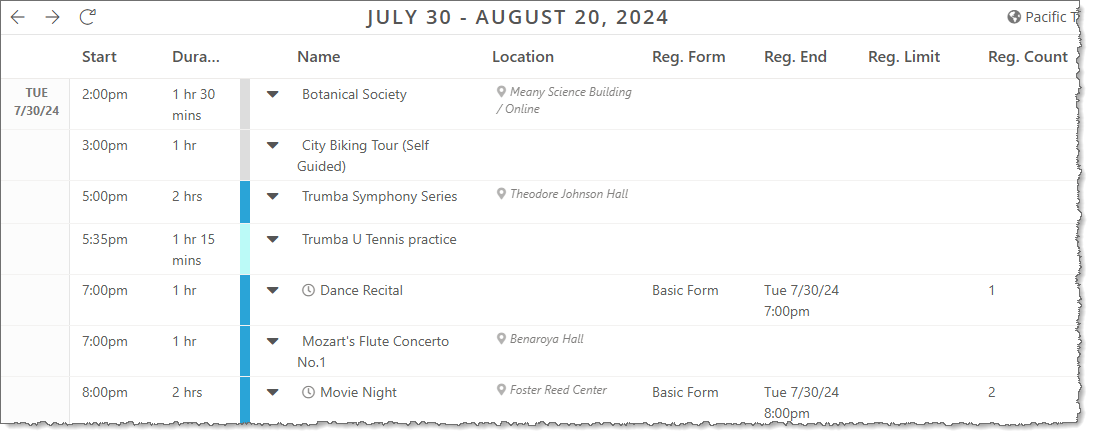
Registration counts are still available to view using the Registration view.
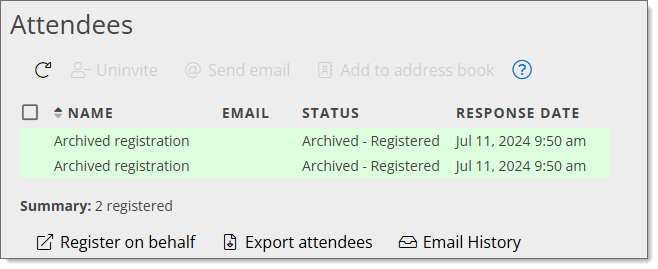
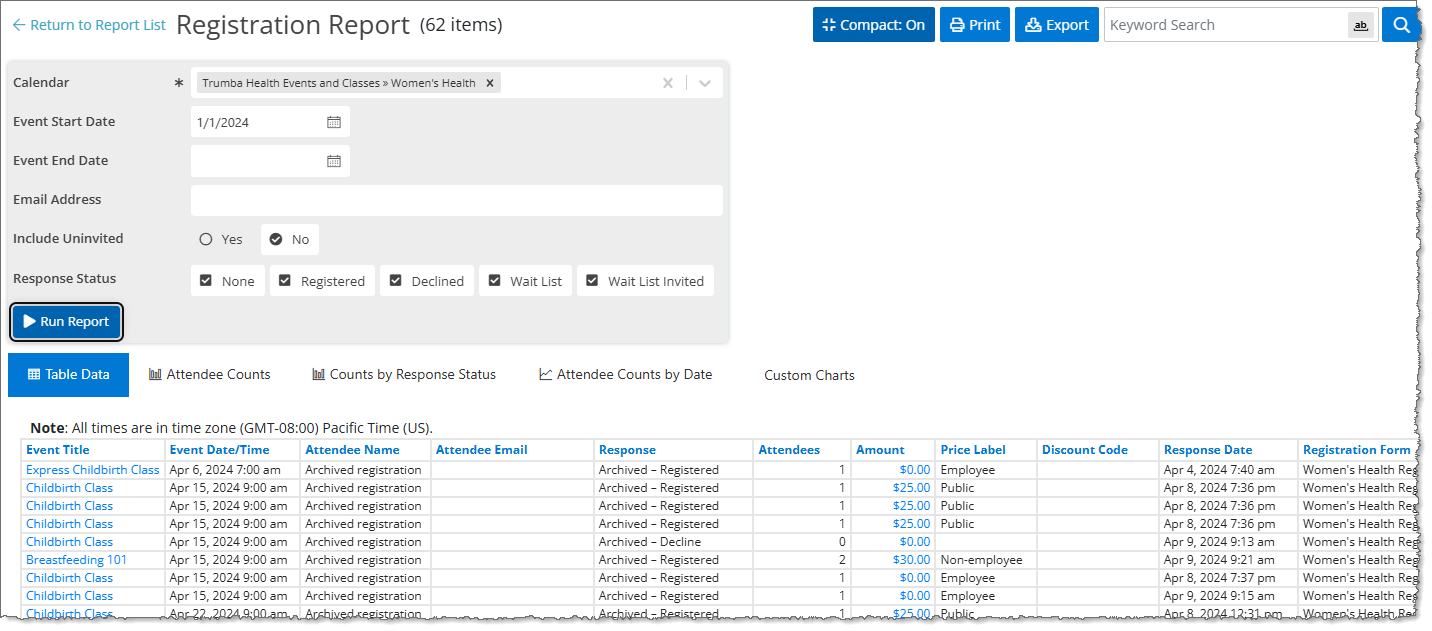
On the Attendee page, names of attendees are replaced by Archived registration and with status showing Archived - Registration status. Attendee email addresses and all responses to registration questions are deleted.
Note On the Registration page, for events with invitations, the names/email addresses are removed from the Send to field.
The Registration report will also show the information in the same way as the Attendee tab.
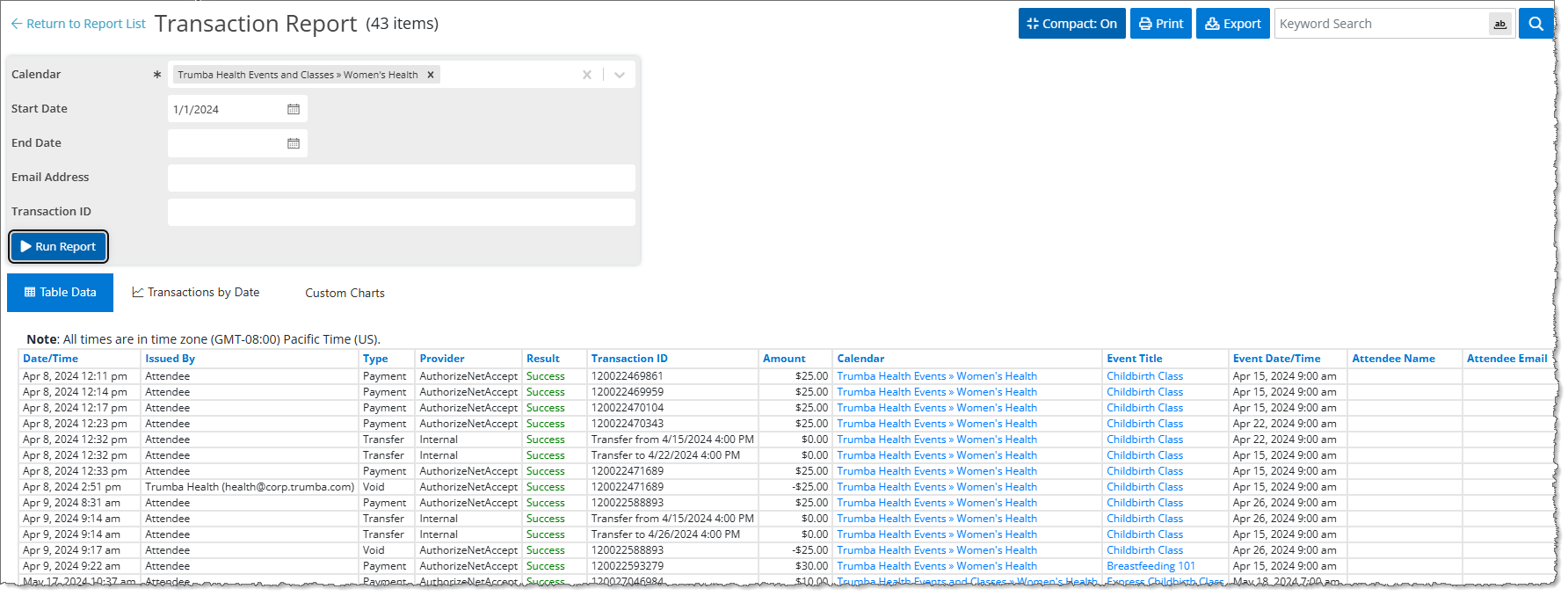
The Attendee Names and Attendee Emails are removed from the Transaction Report, but the transaction data is retained.